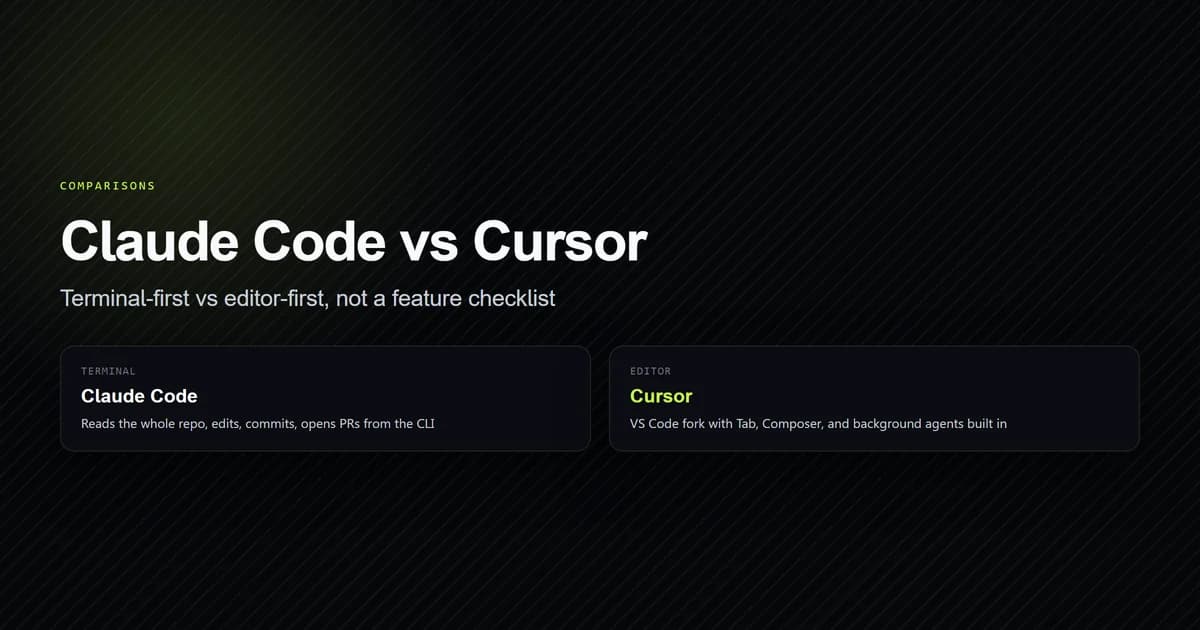
Claude Code vs Cursor is really a terminal-vs-editor decision wearing a feature-comparison costume. Claude Code is a CLI agent that operates on your whole repository from the command line — and, as of its current documentation, also runs as a VS Code and JetBrains extension, a desktop app, and a browser version — while Cursor is a full editor (a VS Code fork) built around AI assistance at your current cursor position. Pick based on which mental model matches how you already work, not on a feature checklist, because both ship most of the same features within a quarter of each other.
Key takeaways
- Claude Code's primary surface is the terminal; it also ships as IDE extensions, a desktop app, and a browser version, all sharing the same underlying agent and the same CLAUDE.md configuration.
- Cursor is a VS Code fork with AI built into the editor core — Tab completion, Composer, and background agents — not bolted on as an extension.
- Anthropic publishes an official Claude Code extension for Cursor itself, so the two are not mutually exclusive; running both is a common setup, not a compromise.
- Cursor shipped three agent-infrastructure changes in July 2026 alone (Cursor Router on the 22nd, a new pricing tier on the 28th), which matters for how fast either tool's specifics go stale in a comparison like this one.
- Claude Code's git integration — staging, commit messages, branches, and PRs — is a first-class documented workflow, not a bolt-on script.
Claude Code vs Cursor at a glance
| Dimension | Claude Code | Cursor |
|---|---|---|
| Primary surface | Terminal (also VS Code, JetBrains, desktop, browser) | Editor (VS Code fork) |
| Core interaction model | Agentic CLI commands and piped input | Tab completion, Composer, chat, background agents |
| Codebase scope | Reads and edits across the whole repo by default | Centered on open files and Composer-selected scope |
| Git integration | Native — stages, commits, opens PRs | Available via agent tooling, not the editor's core identity |
| Config file | CLAUDE.md, read every session | Editor and workspace settings |
| Scriptable / CI use | Designed for it (claude -p "..." pipes) | Cloud agents exist, but the editor itself is not a CLI-first tool |
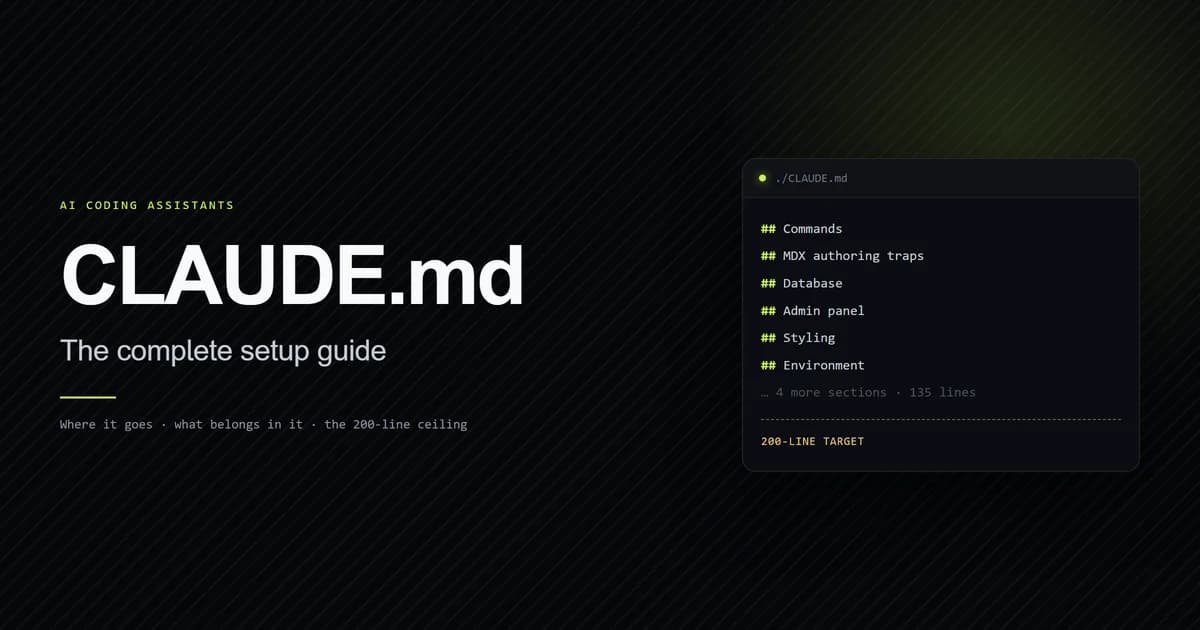
If you already live in a terminal and think in git diffs, Claude Code fits without changing how you work. If you want to see the AI-suggested change land inline in an open file before you accept it, Cursor's editor-first model fits better. This repo's own CLAUDE.md — see how to set it up — is the kind of first-hand artifact that only exists if you've actually run the terminal-first workflow: it's a real project file a Claude Code session reads at the start of every session, not a mockup.
How Claude Code actually works
Claude Code's own documentation describes it as "an agentic coding tool that reads your
codebase, edits files, runs commands, and integrates with your development tools," available in
terminal, IDE, desktop, and browser form. The terminal remains the fullest-featured surface: you
run claude inside a project directory, and it can read files, run shell commands, stage git
changes, and open pull requests without leaving the command line. It reads CLAUDE.md at the
start of every session for project-specific instructions, and builds "auto memory" as it works —
saving things like build commands and debugging notes across sessions without you writing them
down. It also supports piping: tail -200 app.log | claude -p "Slack me if you see any anomalies" is a real documented example, and that composability is specifically a terminal-tool
property — an editor's UI has no equivalent to piping.
How Cursor actually works
Cursor is a standalone editor — a VS Code fork — with AI built into the core rather than added as an extension. Its own product pages describe three main interaction modes: Tab completion for inline suggestions as you type, Composer for multi-file generation and planning, and background or cloud agents that "explore files, search, build, test, and demo features end to end" independently of the open file. Cursor also ships a CLI and mobile app, so the terminal isn't absent from its workflow — but the editor is still the product's center of gravity, and its release cadence reflects that: version 3.11 (July 10, 2026) added side chats for parallel agent conversations, and Cursor Router (July 22, 2026) added automatic model routing across cost, balance, and intelligence-optimized modes.
Where Claude Code wins
Claude Code's advantage shows up on tasks that span the whole repository rather than one open
file: renaming a pattern used across 40 files, resolving a merge conflict that touches unrelated
modules, or writing a release note from a real git log. Because it's built to run headless and
piped, it's also the natural choice for CI — reviewing a diff in a GitHub Action or triaging
issues on a schedule are documented, first-class use cases, not workarounds. And because
CLAUDE.md is a plain file committed to the repo, project conventions travel with the codebase
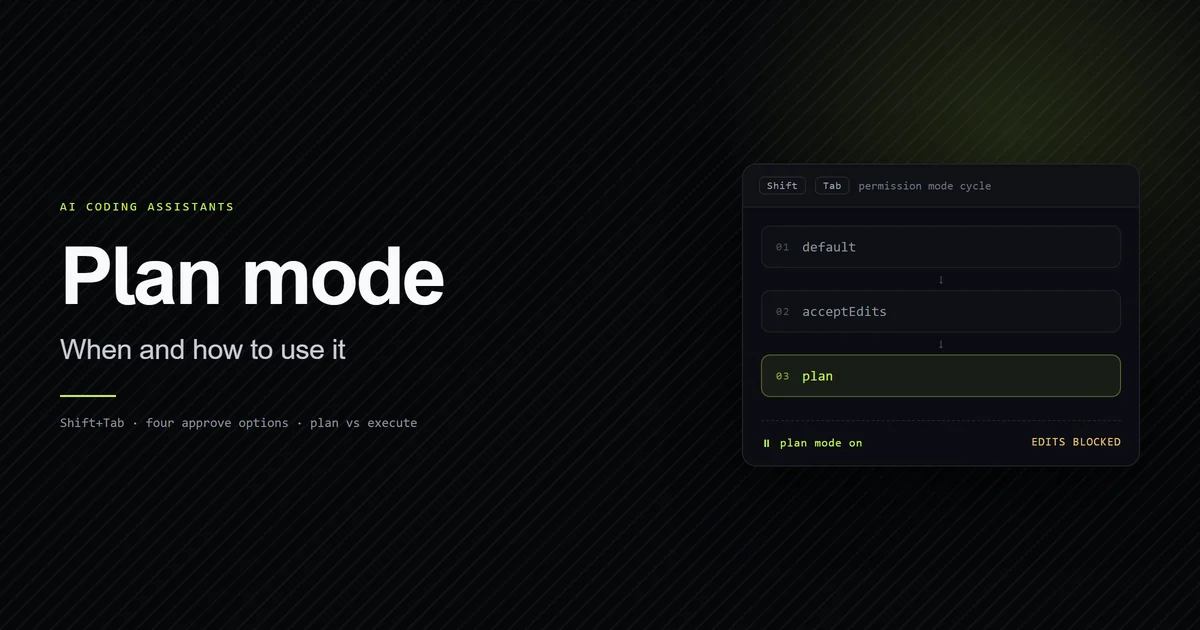
instead of living in one developer's local editor settings. Before a large multi-step change,
switching the session into plan mode is what
keeps Claude Code from editing files before you've agreed on the approach — an option a
suggestion-as-you-type editor like Cursor doesn't need in the same way, because its edits are
smaller by default.
Where Cursor wins
Cursor's advantage shows up when you want to watch a suggestion happen in the exact file you're looking at and accept or reject it in place — Tab completion and inline Composer edits are built for that visual, in-the-moment loop in a way a terminal diff output isn't. If most of your day is authoring in one file at a time rather than orchestrating changes across a repo, an editor built around that motion will feel faster than typing an instruction and reading a returned diff. Cursor's background/cloud agents also give it a queue-style workflow — kick off several tasks and check back — that's a genuine alternative to Claude Code's more session-based terminal loop.
Cursor's July 2026 changelog also points at where the product is actually investing: Cursor Router picks a model per request based on cost, balance, or intelligence priorities, and its Slack integration added multi-repo agent support and cross-channel context. None of that is a terminal capability — it's Cursor building out the editor-and-chat surface it already owns rather than competing on raw CLI composability, which is a reasonable strategy given how much of its user base never opens a terminal for AI work at all.
Context and large-repo handling
The practical difference in large-repo work is default scope, not raw capability. Claude Code reads across the repository by default and treats git history and file relationships as first-class context; a task like "update every caller of this function" doesn't require manually opening each file first. Cursor's Composer can also be pointed at a broader scope, but the editor's natural unit of attention is the open file or an explicitly selected set of files — you tell it what's in scope more often than it infers the whole repo on its own. Neither approach is wrong; they match the two tools' underlying interaction models.
Choosing based on cost and workflow
Both tools now ship a Cursor-extension version of the other's core capability — Claude Code publishes an official Cursor extension, and Cursor's agents can be pointed at Claude models — so "which one do I subscribe to" is increasingly a workflow question rather than a lock-in question. If your day is mostly terminal and git already, Claude Code adds the least friction. If your day is mostly one file open in an editor, Cursor adds the least friction. If you do both kinds of work in the same week, running both and switching per task — which is what a growing share of working developers report doing — costs two subscriptions but no compatibility problems, since neither tool requires exclusivity.
Common mistakes when choosing between them
- Comparing feature checklists instead of workflows. Both tools converge on similar feature sets within a quarter of each other; a checklist comparison will look outdated within weeks.
- Assuming Cursor has no terminal option. Cursor ships a CLI and mobile app; the editor is its center of gravity, not its only surface.
- Assuming Claude Code is terminal-only. Its VS Code extension, JetBrains plugin, desktop
app, and browser version all run the same underlying agent against the same
CLAUDE.md. - Picking one and ignoring that they're not exclusive. Anthropic ships an official Claude Code extension for Cursor specifically because a large share of users run both.
- Judging Cursor by an old version number. Cursor shipped side chats in 3.11 (July 10), Router-based auto model selection a week later, and a new pricing tier the week after that — an evaluation more than a month old is describing a different product.
- Judging Claude Code by "it's just a CLI." The same agent and the same
CLAUDE.mdalso run inside VS Code, JetBrains, a desktop app, and a browser session at claude.ai/code; ruling it out because you don't want a terminal skips three other ways to run it.
Conclusion
If you already think in terminal commands and git diffs, start with Claude Code. If you want AI suggestions to appear inline in the file you're editing, start with Cursor. If you do both kinds of work — and most professional developers do within the same week — install the Claude Code extension inside Cursor rather than treating this as an either/or choice. Re-check both products' current docs before committing to a workflow around a specific feature; both shipped meaningful agent-infrastructure changes within the last two weeks of July 2026 alone. For more head-to-head breakdowns like this one, see the rest of our comparisons.
Frequently asked questions
Is Claude Code better than Cursor?
Can I use Claude Code and Cursor together?
Does Claude Code work without a terminal?
Is Cursor just VS Code with AI added on?

Muhammad Kashif
Founder and editor of Devventa, covering AI coding assistants, Next.js and the modern AI development stack.